Powerful Features for Pilot Car Drivers
Desktop invoicing, mileage, expenses, calendar, and offline operation—plus an optional field run log companion app for fleets (part of the same workflow).
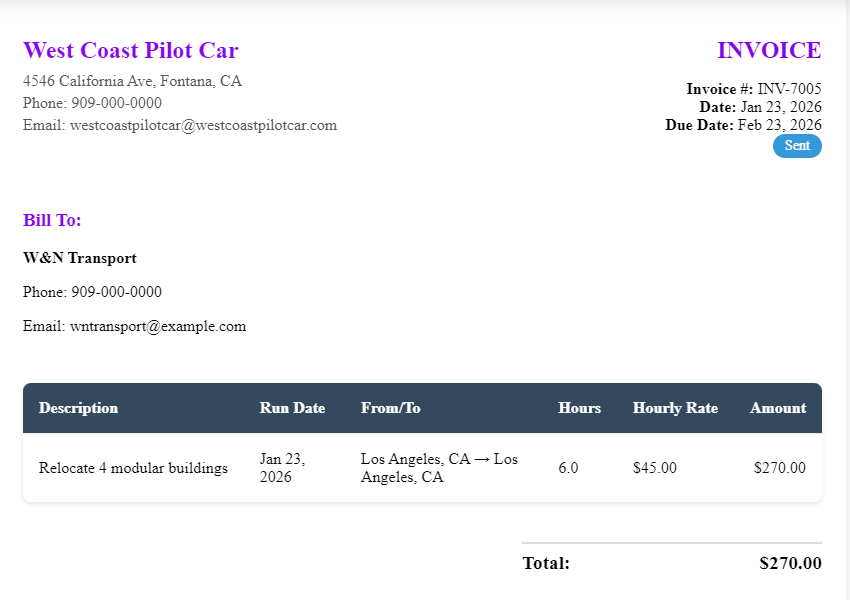
Professional Invoicing
Create and manage professional invoices with multiple billing types designed for pilot car drivers. Fleets: the optional field run log companion app (next on this page) feeds the same Pilot Car Admin workflow via Invoice CSV Import.
- Multiple billing types: By Mile, Mini Run, Day Rate, Hourly, Chase/Pole
- Custom extras and overnight rates
- Invoice status tracking (Draft, Sent, Paid, Overdue, Cancelled)
- PDF export and printing
- Invoice CSV Import on desktop (including CSV from the optional mobile run log for fleets—same Pilot Car Admin workflow)
- Invoice reminders and overdue detection
- Search and filter invoices
 With Pilot Car Admin
Field run log (companion app)
Part of Pilot Car Admin for fleets who want drivers to capture runs on a phone. It is optional and complementary to desktop invoicing: no rates stored on the device—billing, rates, and PDF invoices stay in Pilot Car Admin on Windows. Drivers export CSV; the office imports with Invoice CSV Import.
- Run list on the phone: add, edit, delete
- Customer; invoice date and run date; from / to; billing type; miles or units; quantity; description; notes; overnight nights
- Driver or truck name per run
- Saved customers and destinations; CSV import for those lists
- Export CSV aligned with Pilot Car Admin Invoice CSV Import
- Share or email the file to the office
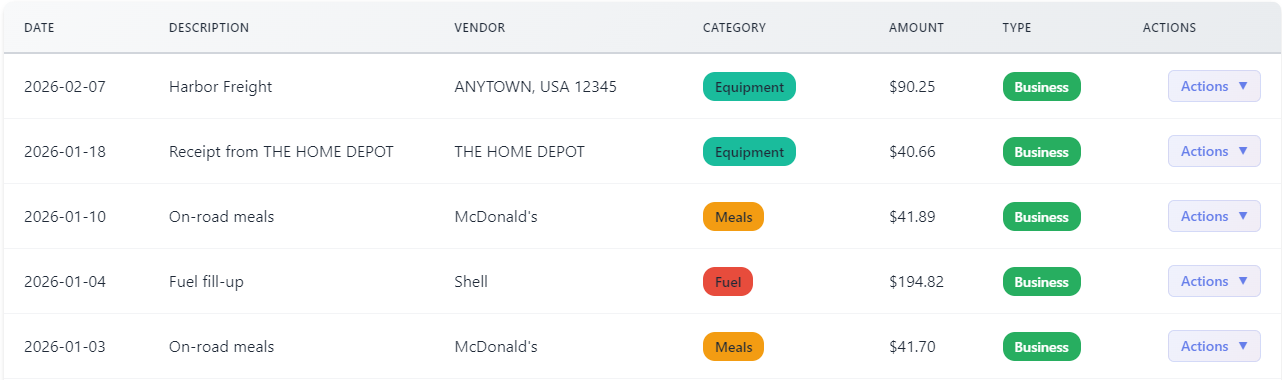
Expense Tracking
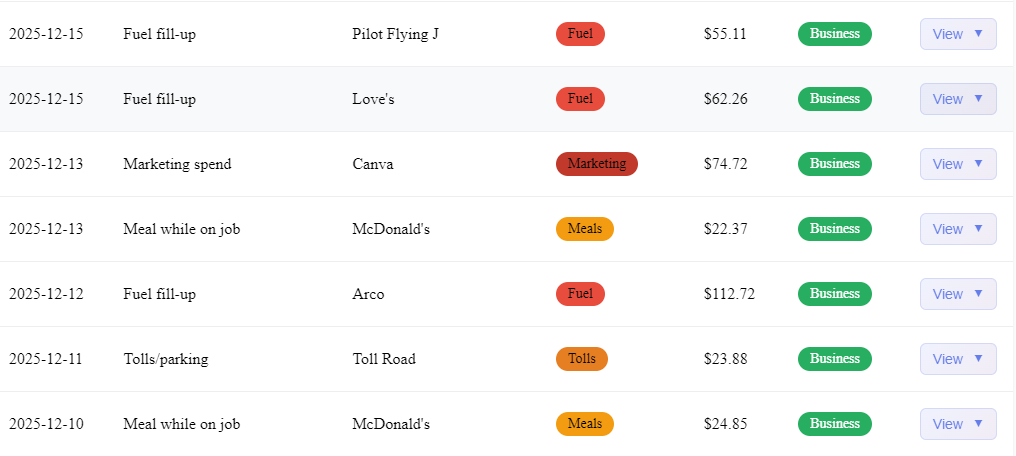
Track all your business expenses with receipt scanning, CSV import, and category organization.
- Receipt scanning with OCR technology (mobile app only)
- CSV import from bank statements
- Transaction management and categorization
- Bill tracking and recurring payments
- Category rules for automatic categorization
- Duplicate detection based on date and amount
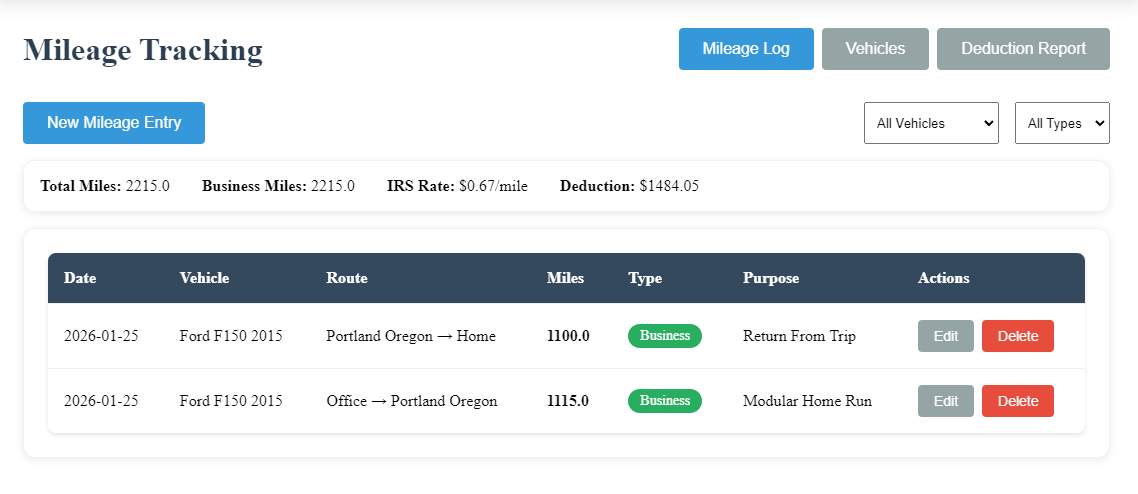
Mileage Tracking
Track vehicle mileage for accurate tax deduction calculations.
- Track business vs personal miles
- Multiple vehicle support
- Tax deduction calculations
- Mileage reports and summaries
- Date range filtering
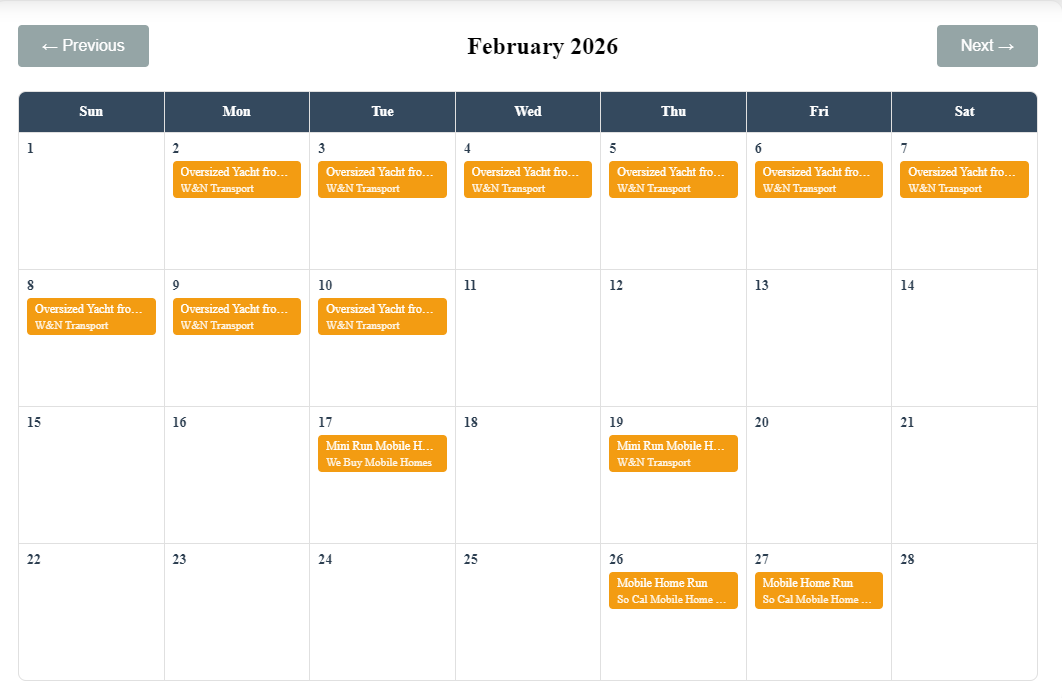
Calendar & Scheduling
Manage your booked runs and schedule with an intuitive monthly calendar interface. Track run statuses, locations, and estimates all in one place.
- Monthly calendar grid view with color-coded statuses
- Add, edit, and delete runs directly from calendar
- Multi-day run support with estimated end dates
- Double-booking detection and warnings
- Upcoming runs list view
- Customer and destination association
- Estimated miles and rate tracking
- Notes field for additional details
 Offline
Offline Operation
Works completely offline. No internet connection required for day-to-day operations.
- Full functionality without internet
- Local database storage
- Secure data on your device
- Fast performance
Mobile Sync
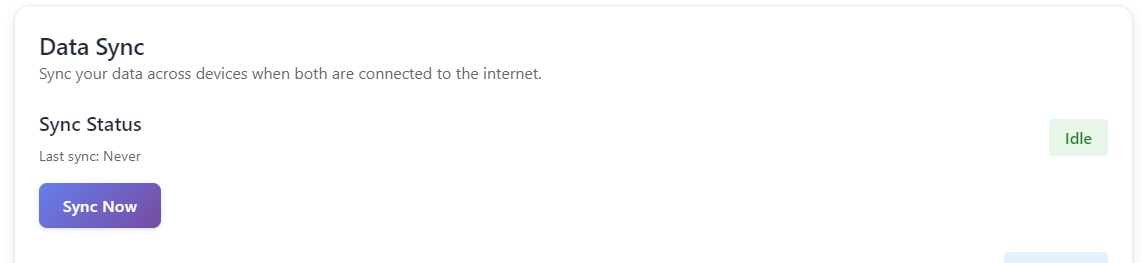
Sync your data between desktop and mobile apps seamlessly.
- Automatic sync between devices
- Network discovery
- Secure data transfer
- Conflict resolution